



International payments
Send money abroad and see the cost before it leaves
Reach recipients in 180 jurisdictions from one platform, with the rate, the fee and the expected arrival on the same screen as the confirm button.
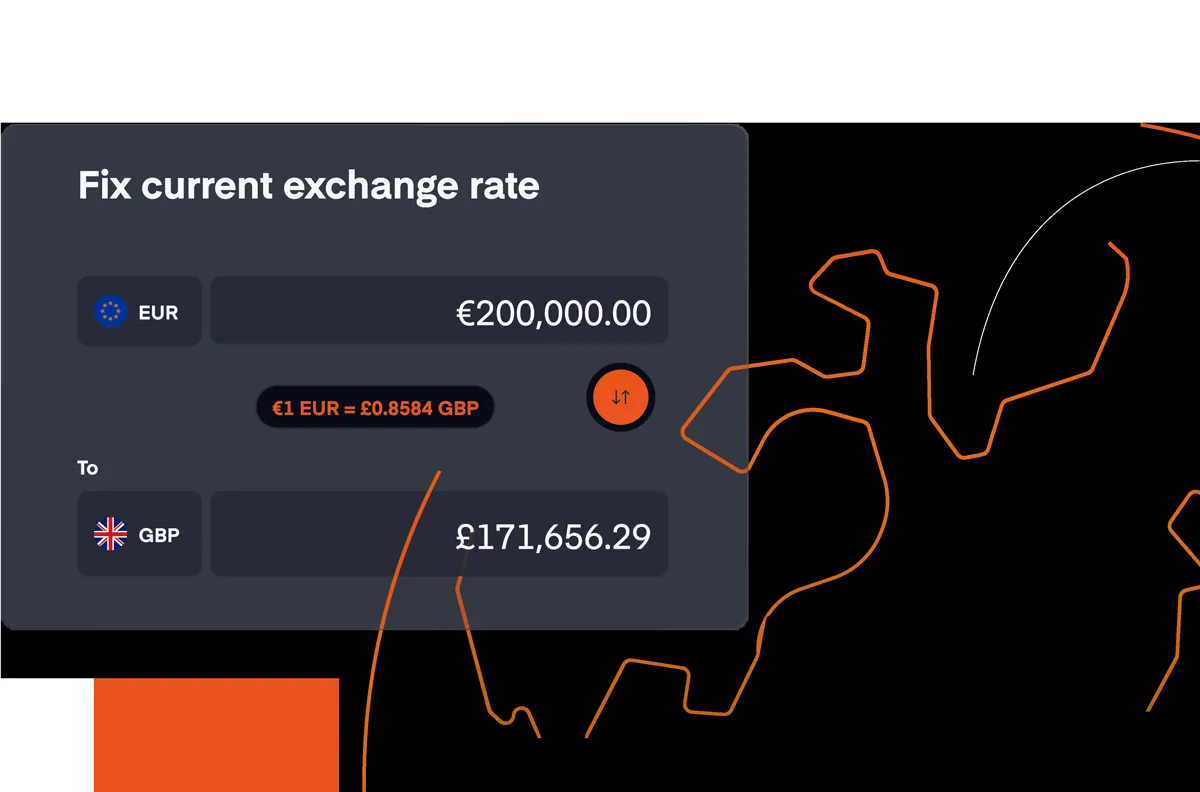
The hidden cost of cross-border payments
The real cost of an international transfer is often buried inside the exchange rate, where it never appears as a fee, and the arrival date is often an estimate rather than a commitment. What looks like a standard charge on the surface turns into a larger expense by the time the money arrives.
Reibanq brings those costs to the surface before you commit. Every fee, every rate, every expected arrival date sits on the same screen where you make the decision — so you are never guessing what will land on the other side.
Send abroad and keep the cost in sight
Your recipient is already inside the network
Send to 180 jurisdictions, in the currency the invoice is written in.
The rate you are shown is the rate applied
The real rate at that moment, with no margin added on top of it after you approve.
A SWIFT transfer is typically processed within a day
Crediting also depends on the receiving institution and on the cut-off times in the destination country, so the expected date is shown before you confirm.
You start it, follow it and file it in the browser
Send, track the status and keep the receipt without a phone call or a form to sign.
You pay from your Reibanq account
Fund the transfer from your euro balance, and see the conversion, if there is one, on the same screen.
Convert at the moment you pay, or not at all
When the payment is in another currency, the current rate is applied on the same screen.
You keep hold of the money while it travels
- Nothing leaves the account until you approve it on the screen that shows the cost
- Each transfer keeps a status you can check while it is still in flight
- The receipt stays with the payment, so it is there when you go looking for it
- One list holds what you sent abroad and what you sent inside Europe
- Payments to 180 jurisdictions leave the account you already work in
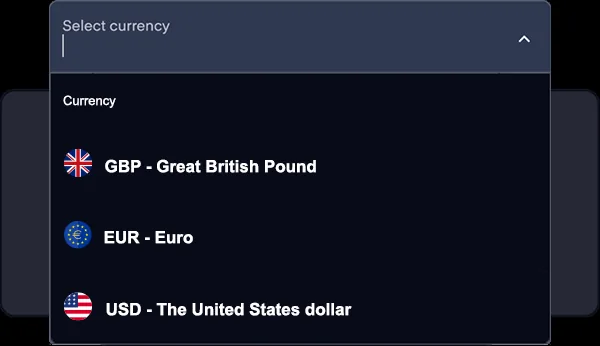
Where the first payment abroad usually goes
Your supply chain does not stop at the border
Pay the supplier in their currency, with the cost of doing it visible first.
Your client pays in the currency they use
Invoice in their currency and receive into your euro account, with the conversion in view.
People abroad are paid on the day you promised
Run payroll across countries with the cost of each transfer known in advance.
Money moves between your own entities untouched
Fund a branch or a partner without a mark-up taken on the way through.
Your software abroad keeps renewing
Services, licences and memberships stay paid, in the currency they are billed in.
Ready to send across borders?
The rate and the fee appear before you approve, so the number that lands is the one you meant.
International payments, explained
How much does an international payment cost?
The cost is shown on screen before you confirm the payment. It includes any conversion fee and the exchange rate being used, so you see exactly what the recipient will receive.
Which exchange rate is applied?
The real exchange rate available at that moment is displayed during the payment flow. There is no hidden margin added after you approve the transfer.
Where does the money come from?
Payments are funded directly from the euro balance of your Reibanq account. When the payment is in another currency, the conversion runs inside it, at the rate shown before you confirm.
How can I track a payment once it has been sent?
Every payment is visible in your online account with its current status. You can follow its progress from the moment it leaves your account until it reaches the recipient.
Send your next payment with the cost in plain sight
The rate, the fee and the expected arrival sit on the confirm screen. Open the account and send the first one.